Bypass incompatible modern image formats like WebP or AVIF. Right-click any image, Canvas, or background style and save it instantly as clean PNG, JPG, WebP, or a zero-margin PDF. Includes powerful Batch Downloading, Multi-Page PDF Merging, and Interactive Cropping.
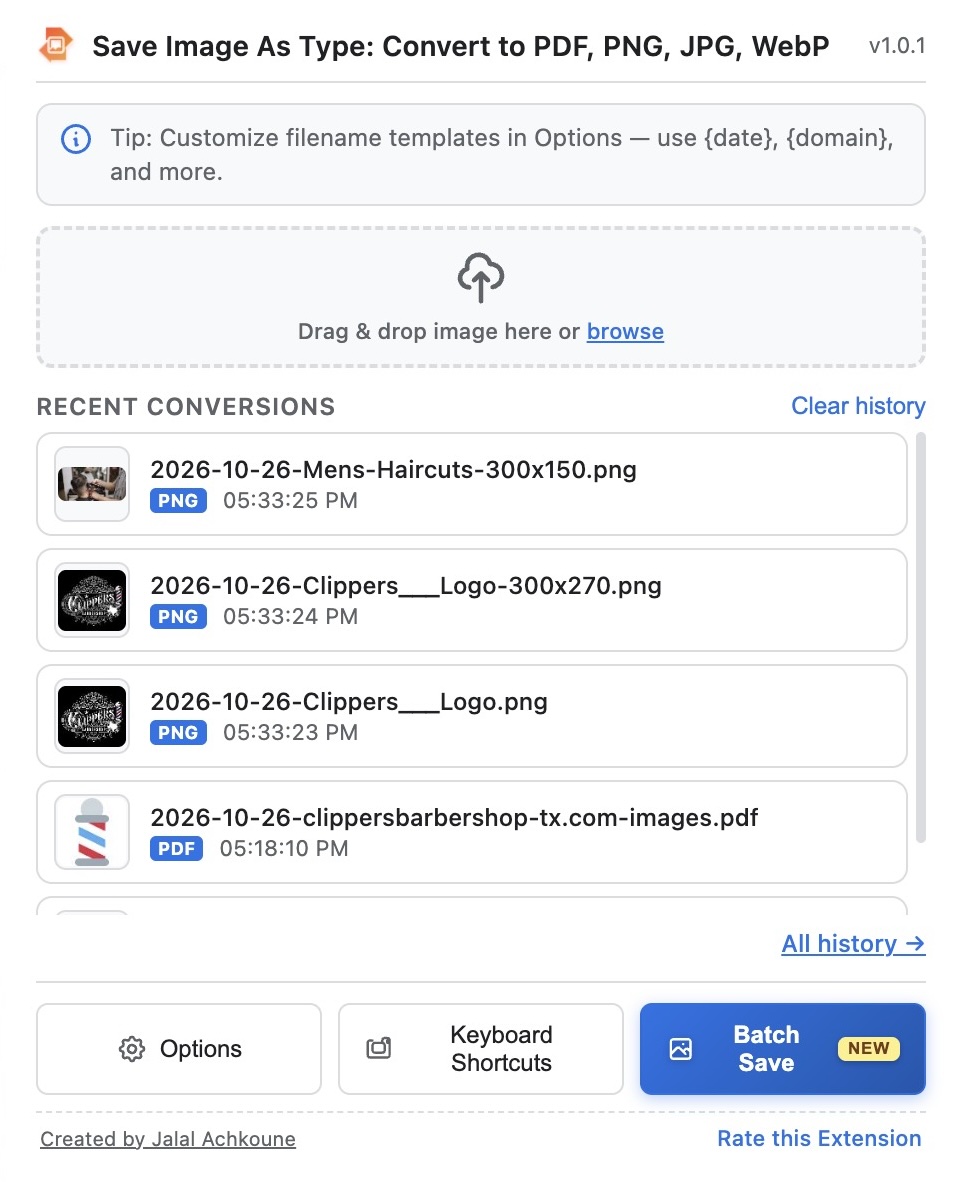
A complete suite of image conversion and extraction tools running 100% inside your sandboxed browser.
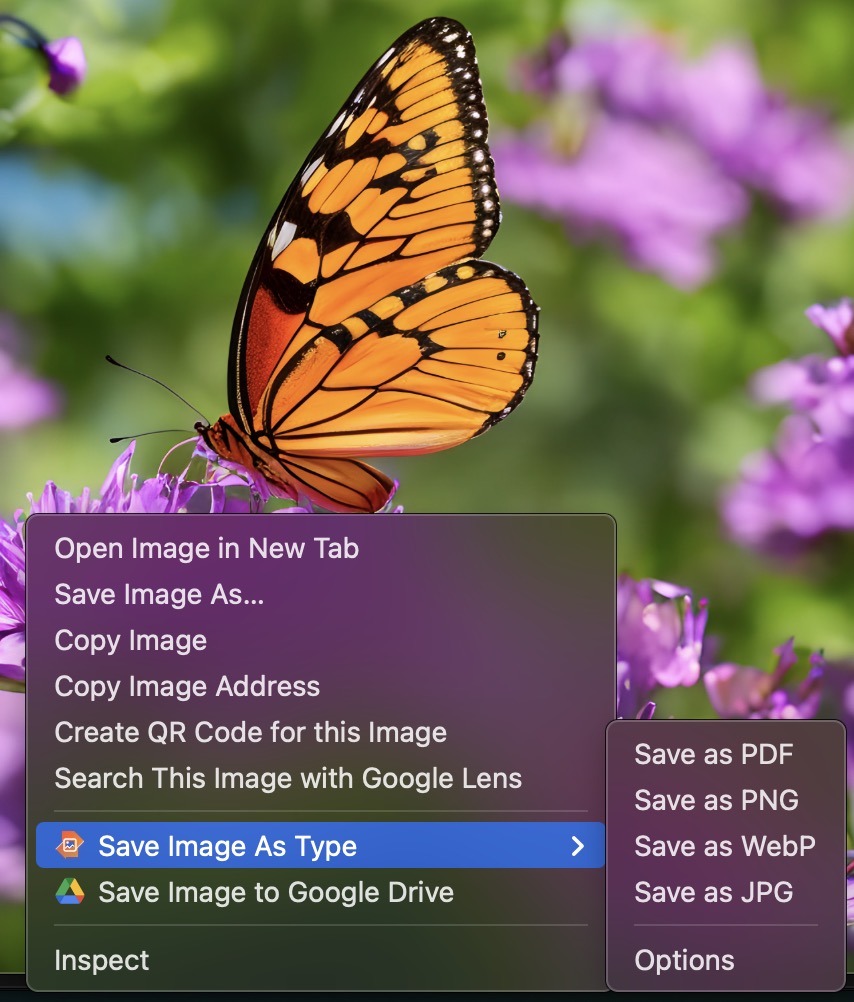
Right-click any image, Canvas element, inline SVG, or CSS background style to convert and save instantly.
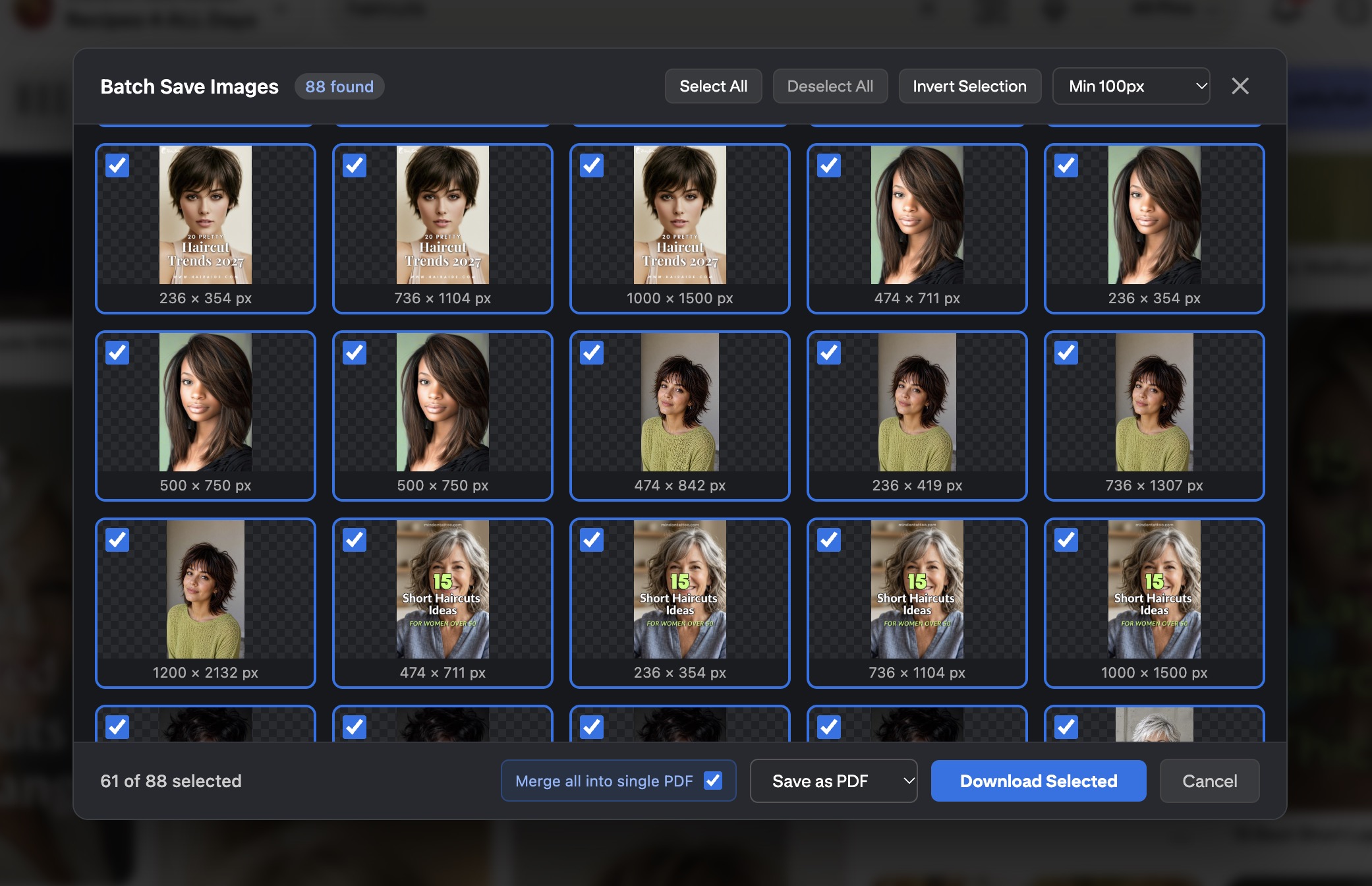
Extract all photos from the current webpage with size filtering, invert selection, and multi-image export.
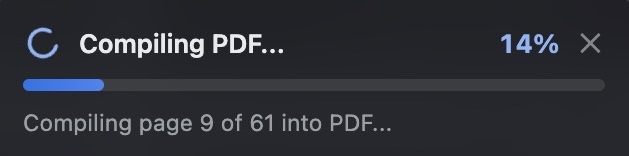
Merge dozens of images into a single clean PDF document with real-time compilation streaming progress.
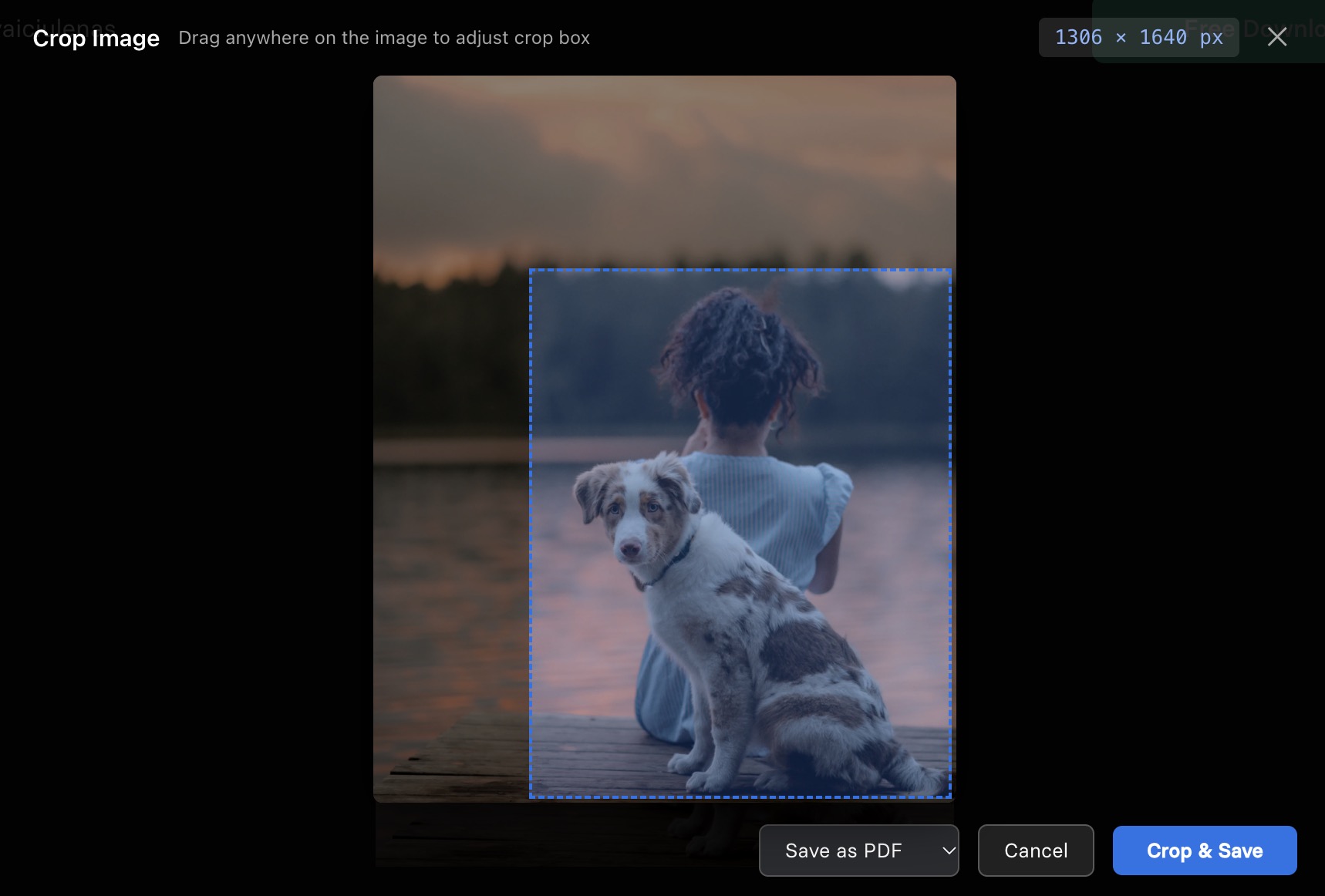
Draw a precise marquee crop box over any webpage image and save the exact portion you need with live dimension stats.
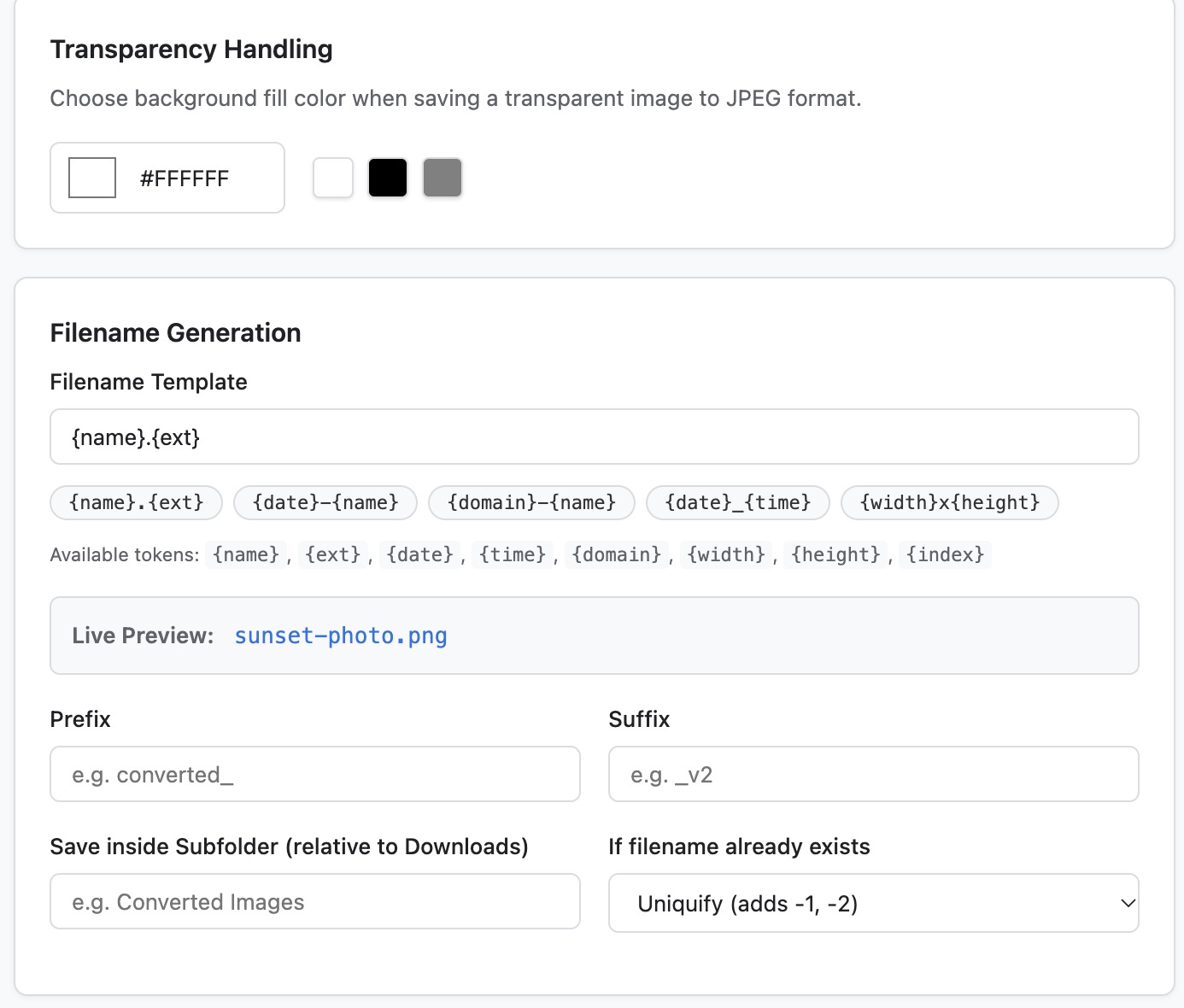
Flatten transparent PNG assets with a solid custom background fill color (e.g. pure white) when converting to JPG.
Zero telemetry, analytics tracking, or external cloud calls. Conversions execute entirely in your browser sandbox.
Never right-click 50 images one-by-one again. With Batch Mode, the extension scans the active tab, extracts all high-resolution images (including lazy-loaded elements and CSS backgrounds), and displays an intuitive full-page gallery.
Need just an icon, a diagram, or a section of a wide banner? Right-click any image and select Crop & Save Image... to crop visually without opening third-party graphics software.
850 × 420 px) as you drag.
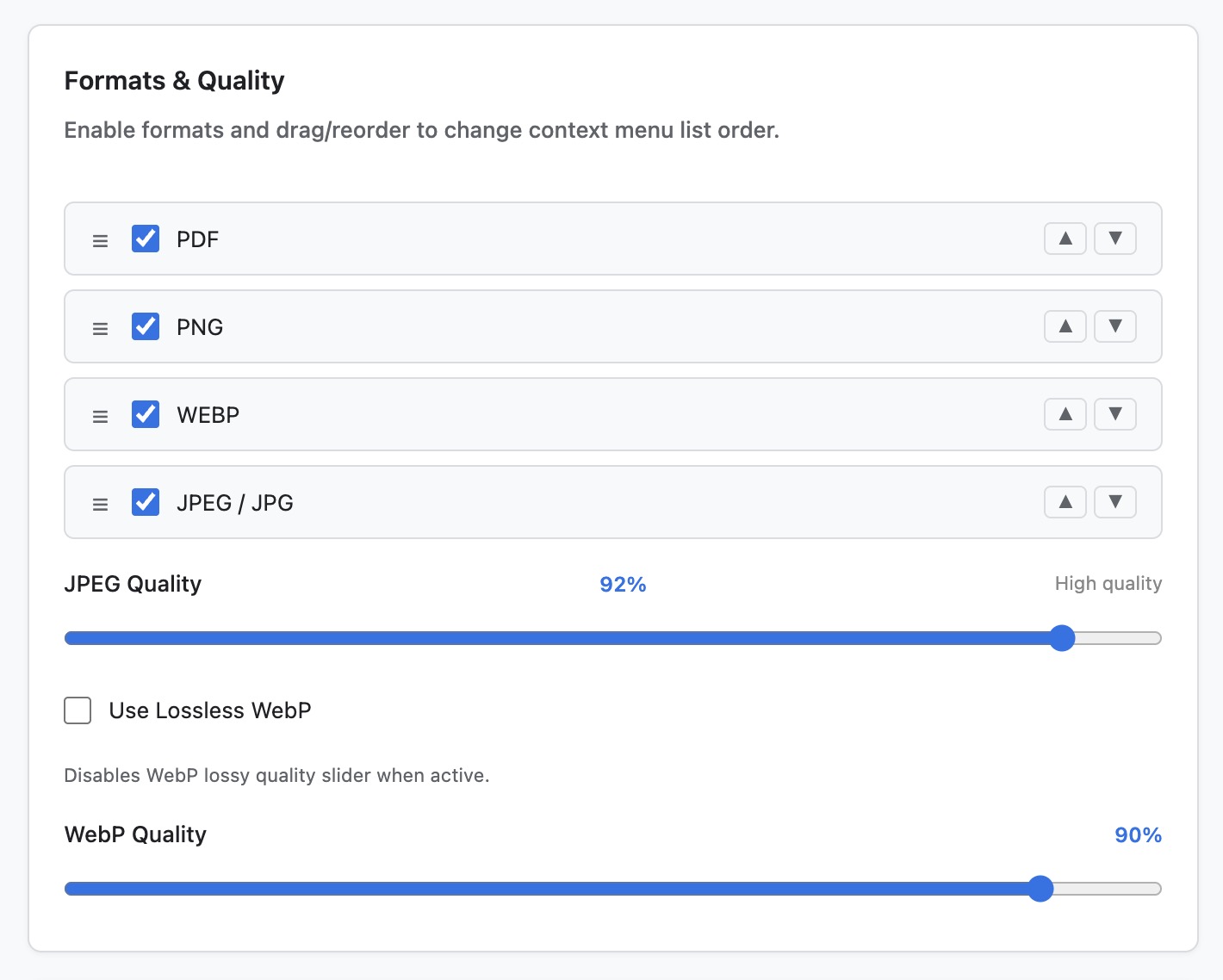
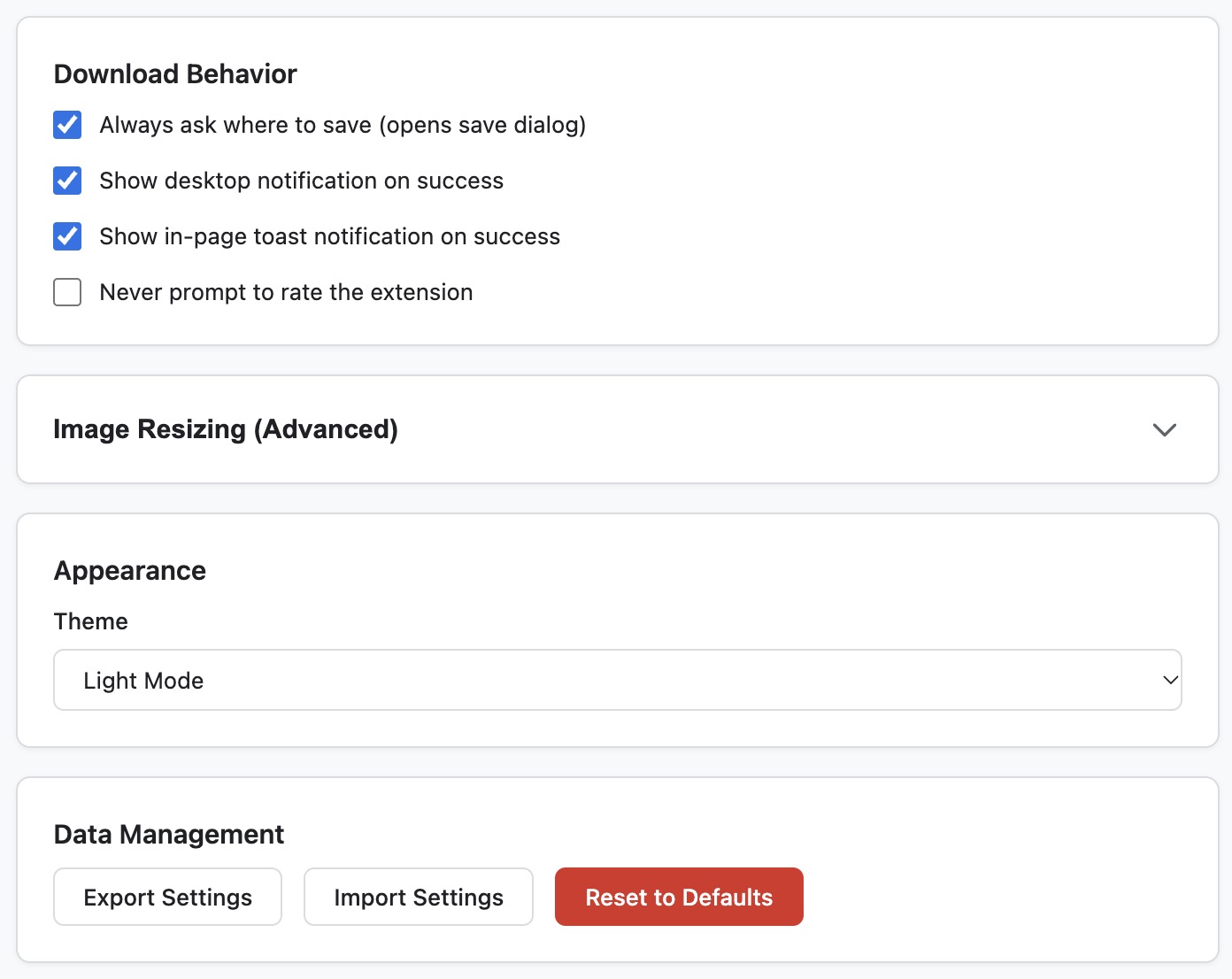
Configure quality levels, dynamic automated naming templates, download destination subfolders, and conflict resolution rules.
Get up and running with Save Image As Type in seconds. Follow these simple steps to install the extension directly from the Chrome Web Store:
Click any of the Add to Chrome buttons on this page or search for "Save Image As Type" directly in the Chrome Web Store catalog.
Click on the blue Add to Chrome button in the upper-right corner of the official extension listing page.
Review the list of lightweight local permissions in the dialog, then click Add extension to complete setup.
Right-click any web photo, banner, or icon to access the Save Image As Type context menu and pick your desired output format instantly.
Save images instantly as your pointer hovers over them using these native customizable keyboard hotkeys:
Drop any local image below to test client-side conversion into PNG, JPG, WebP, or zero-margin PDF.
Drag & drop any image here
or click to browse local files
data-src, data-original, and srcset) automatically so you don't have to scroll through every single image manually.
offscreen API to run a silent local sandbox that has full canvas support.